Leave the clutter behind.
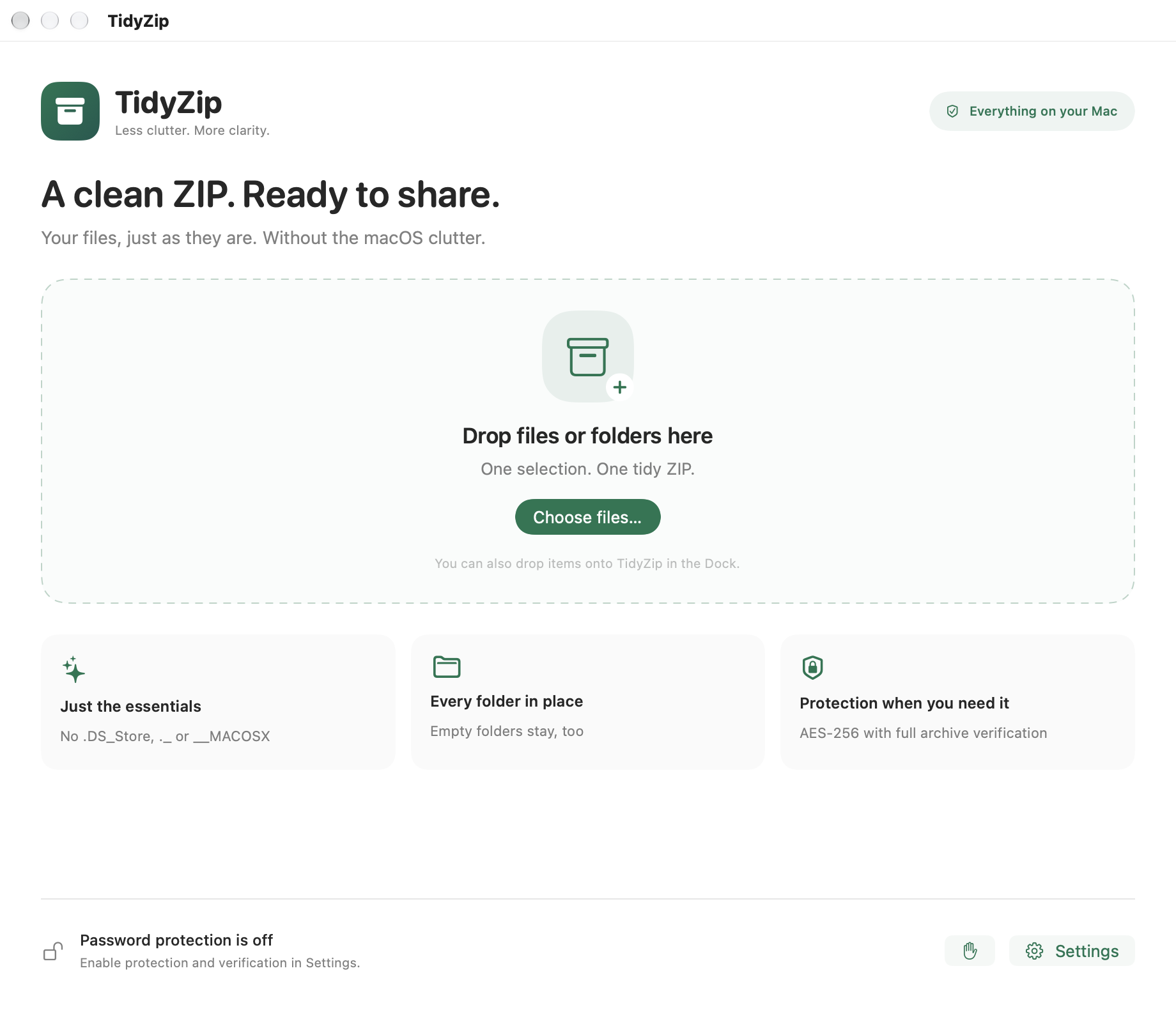
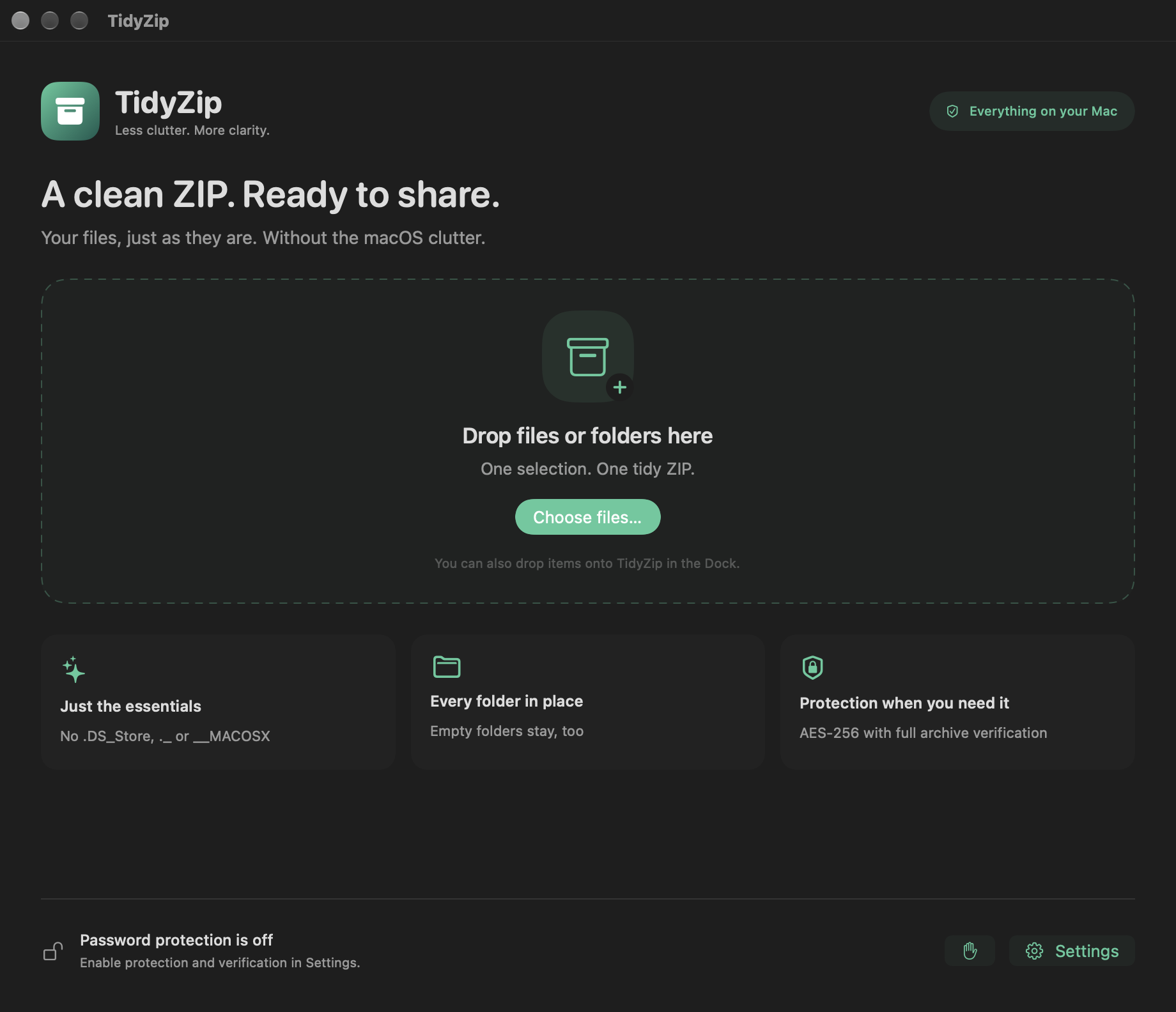
Skip .DS_Store, AppleDouble and __MACOSX entries automatically. Your folder structure and empty folders stay in place.
Project/kept
Presentation.pdfkept
.DS_Storeskipped
__MACOSX/skipped
._Presentation.pdfskipped
Share the files you meant to share. Create a clean ZIP, skip the macOS clutter, and keep everything on your Mac.
macOS 13+ · Apple silicon & Intel
App Store release in preparation.
SMALL APP. THOUGHTFUL DETAILS.
One focused window for the files, folders and archives you work with every day.
Skip .DS_Store, AppleDouble and __MACOSX entries automatically. Your folder structure and empty folders stay in place.
Choose password protection. Then re-enter your password to read and verify the entire archive, without extracting a single file.
AES protects contents, not filenames. Opening encrypted ZIPs requires a compatible app.
FROM FOLDER TO FINISHED
Drag files or folders into TidyZip, choose them in the app, or drop them onto its Dock icon.
Review the selection, pick a destination and add a password if you want one.
Find your completed ZIP in Finder. Optional verification checks the entire protected archive.
MADE FOR macOS
Native controls. Light and dark appearances. English and Lithuanian, a setting away.
A FEW GOOD QUESTIONS
No. It reads the selected files and creates a new archive at the destination you choose. Your originals remain unchanged.
Known macOS service entries such as .DS_Store, ._ files and __MACOSX are excluded. File contents and metadata embedded inside documents or photos are preserved. TidyZip is not a tool for removing personal information from files.
TidyZip uses WinZip AES-256. You need an extraction app that supports this format; Finder compatibility is not guaranteed. Filenames can remain visible even when file contents are encrypted.
No. Creating and verifying archives happens on your Mac. Visiting this website or contacting support uses your browser or email app separately.
The first App Store release is in preparation. There is no public App Store download yet. For release questions, contact forall@tuta.com.